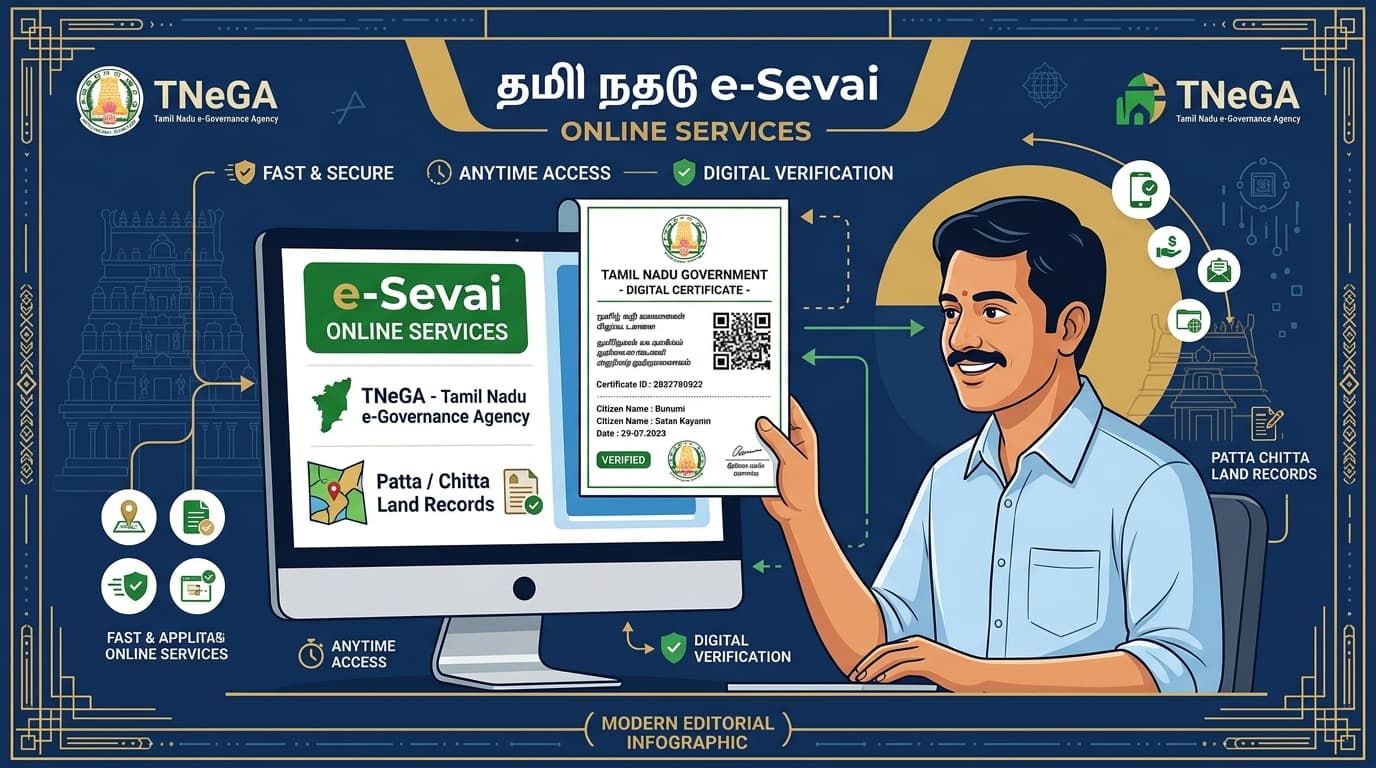
Tamil Nadu e-Sevai Online Services & Certificate Checklist
Never pay middleman fees or face application rejections. Check exact official fees, statutory delivery timelines, and interactive document checklists for Patta, EC, Legal Heir, Income, and Community certificates.
First Time Applying? You Need a CAN Number
Citizen Access Number links your Aadhaar to all 150+ TNeGA services. Created once, valid for life.
Patta & Chitta Transfer (பட்டா மாறுதல்)
Transfer land ownership records into buyer's name following property purchase, inheritance, or gift deed registration.
Required Documents Checklist (தேவையான ஆவணங்கள்)
Tick the boxes as you arrange each document. Never submit without all items.
Step-by-Step Online Application Workflow
Visit eservices.tn.gov.in and click 'Apply Patta Transfer (Online)'.
Select District, Taluk, Village, and enter Survey / Sub-division Number.
Upload PDF copies of Registered Deed, EC, and Identity proofs (file size under 2MB each).
Pay application fee of ₹60 (without subdivision) or ₹460 (with survey subdivision) via UPI or Netbanking.
VAO and Field Surveyor conduct field inspection, after which Tahsildar digitally issues the new Patta.
Common rejection reasons: Incomplete prior title documents, discrepancy in survey number or boundary extent, or pending civil court suit.
Encumbrance Certificate (EC / வில்லங்கச் சான்றிதழ்)
Provides chronological record of all registered property transactions, loans, mortgages, or attachments for up to 50+ years.
Legal Heir Certificate (வாரிசுச் சான்றிதழ்)
Establishes legal successors of a deceased family member for pension settlement, bank deposits, property transfer, and compassionate jobs.
Income Certificate (வருமானச் சான்றிதழ்)
Certifies total annual family income from all sources; mandatory for scholarships, fee waivers, and welfare entitlements.
Community / Caste Certificate (சாதிச் சான்றிதழ்)
Mandatory statutory proof of social category required for school/college admissions, competitive exams (TNPSC/UPSC), and job reservations.
Nativity & Residence Certificate (இருப்பிட சான்றிதழ்)
Proves continuous residence in Tamil Nadu; mandatory for state-quota medical (NEET) and engineering (TNEA) counselling admissions.
First Graduate Certificate (முதல் பட்டதாரி சான்றிதழ்)
Waives annual tuition fee up to ₹25,000 to ₹75,000 in professional degree courses (Engineering, Medical, Agri) for first-generation graduates.
Smart Ration Card Services (TNPDS குடும்ப அட்டை)
Apply for new Smart Ration Card, add child's name, remove married member, or update address & gas cylinder count.
How to Register CAN Number (Citizen Access Number) on e-Sevai
A Citizen Access Number (CAN) is a 13-digit unique identifier created by the Revenue Department. Once registered, you do not need to re-enter your family particulars for each certificate.
Go to tnesevai.tn.gov.in and click 'Citizen Login'. Register with your mobile number to create your user account.
Click 'Register CAN'. Enter your 12-digit Aadhaar number, Father's name, Date of birth, and verify with Aadhaar OTP.
Your 13-digit CAN number is generated immediately and SMSed. Use this CAN to apply for all 150+ government services.
Related In-Depth Knowledge Articles
Tamil Nadu e-Sevai Online Certificate Guide
How to File RTI Application in Tamil Nadu
Patta, Chitta & EC Verification Guide
Traffic Police Vehicle Checks & Driver Rights
CMCHIS Health Insurance ₹5 Lakh Cashless Coverage
Statutory Rights & Protection Laws
Right to Information Act 2005 (RTI)
Demand answers & government files within 30 days.
Consumer Protection Rights (Act 2019)
File online consumer cases without a lawyer.
Senior Citizens Protection & Maintenance Act
Statutory rights for care, maintenance & property.
Traffic Police Vehicle Inspection Rules
DigiLocker validity, officer ranks & key snatching rules.
Civic Transparency & Action Tools
RTI Application Generator
Instant bilingual draft with Section 6(1) & 1-click A4 print.
e-Sevai Certificate Finder
Patta Chitta, EC, Legal Heir & ₹60 fee checklist for TNeGA.
Bribe Tracker Log
Track & report local corruption demands anonymously.
Local Scam Alerts
Stay safe from job, land, and digital financial scams.
Government Offices Directory
Find VAO, Tahsildar, EB, and Corporation offices in TN.
Ask Local Community
Get real answers about procedures & locations from locals.